
 paragonrp.gg
 Join our Discord
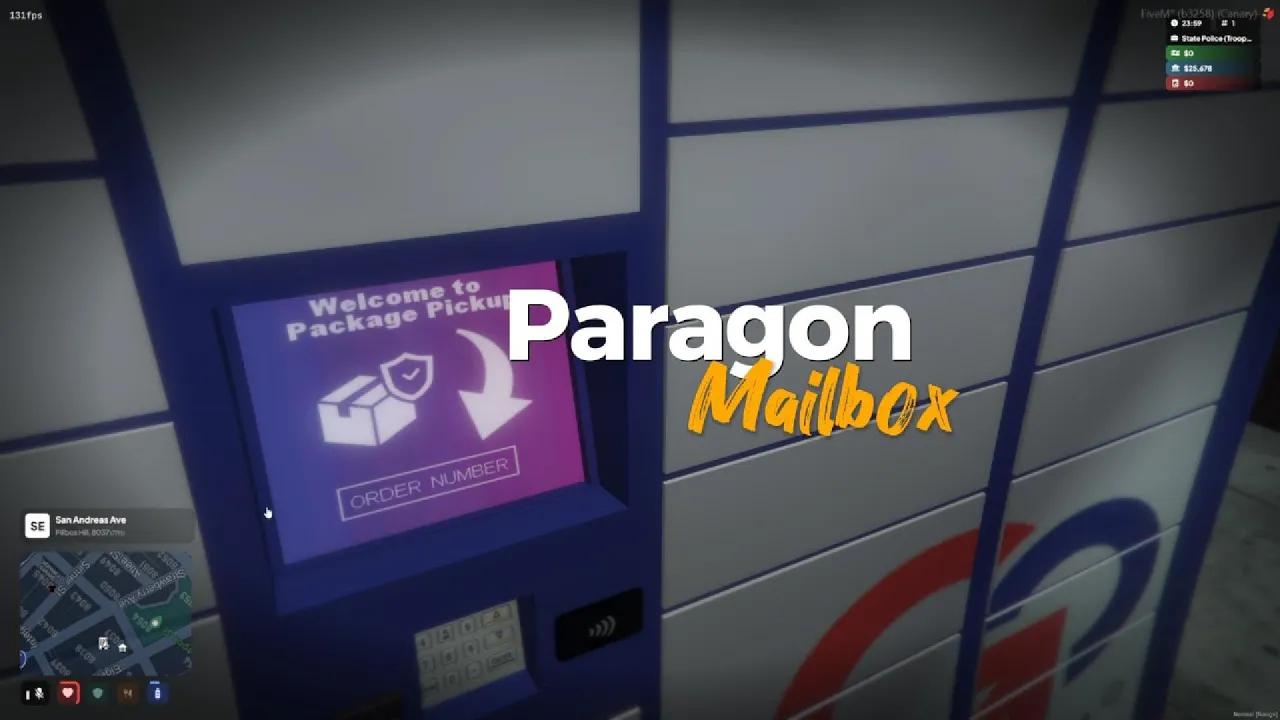
Paragon Mailbox — Complete Setup Guide (FiveM / QBX / OX Integration)
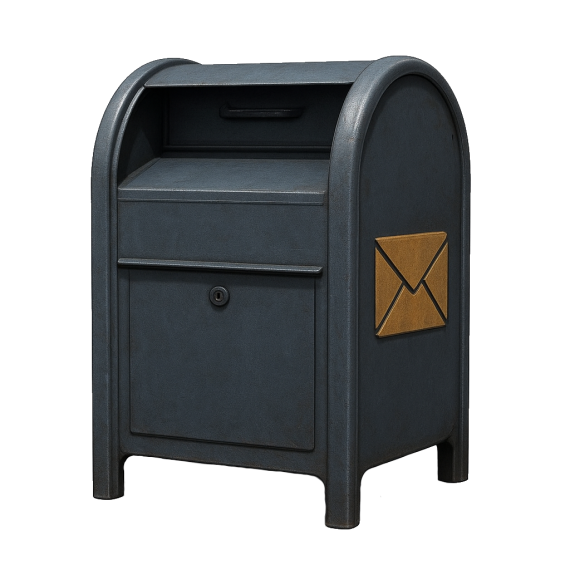
Paragon Mailbox adds realistic in-world mailboxes to your GTA V RP server. Players can send and receive letters or items, while admins can send mail globally or directly to players. It integrates perfectly with ox_lib, oxmysql, qbx_core, and ox_inventory.
What Paragon Mailbox Does
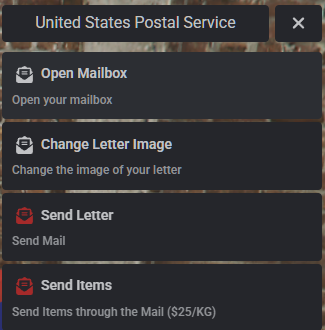
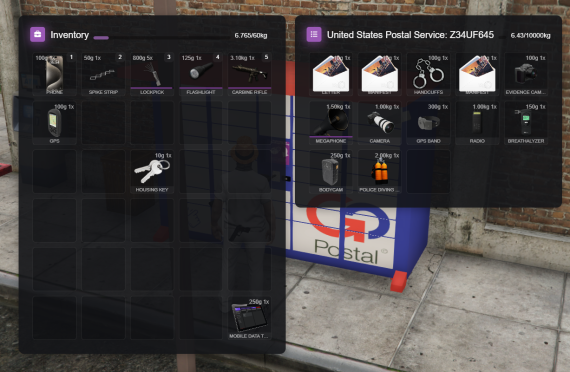
• Send and receive letters or items between players (supports Markdown).
• Search recipients by any part of their character name.
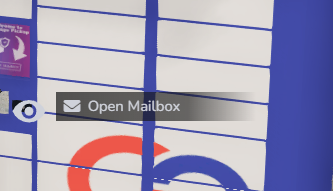
• Unread mail notifications with realistic mailbox interaction.
• Coordinate-based mailbox access and customizable props.
• Admin mail system for refunds, announcements, or alerts.
• Supports multiple characters and dynamic relogs.
Requirements
ox_lib
oxmysql
qbx_core
ox_target
ox_inventory
Optional: mx-surround (3D mail notification sound)
Installation Steps
Place the folder “paragonmailbox” inside your server’s resources directory.
Add the following lines to your server.cfg in this order:
ensure oxmysql
ensure ox_lib
ensure qbx_core
ensure ox_target
ensure ox_inventory
ensure paragonmailbox
Add the “Letter” item to ox_inventory/data/items.lua:
['letter'] = {
label = 'Letter',
weight = 10,
stack = false,
close = false,
consume = 0,
client = { export = 'paragonmailbox.letter' }
},
Configuration
Edit data/config.lua to customize your mail system:
• Set default sender name and letter image.
• Enable or disable delivery fees.
• Adjust notification style and sound.
• Define emotes for sending and searching.
• Add your own mailbox prop models and coordinates in data/mailbox_props.lua and data/mailbox_coords.lua.
Example (mailbox_props.lua):
return {
prop_mailbox_01
}
Notifications & Sounds
Notifications are handled in client/notify_editable.lua.
If mx-surround is installed, a 3D sound plays when new mail arrives.
You can also call notifications manually from other client scripts:
exports['paragonmailbox']:notify_mail('Mailbox', 'You have new mail', 10000)
Admin Tools
/AMAIL — Opens the admin mailbox interface (restricted to group.admin).
Admins can send mail to specific players or globally for refunds, updates, or announcements.
Database
Uses oxmysql and your existing players table (citizenid).
No additional tables or database migrations required.
Quick Test Checklist
• Start your server and confirm paragonmailbox loads after dependencies.
• Verify the “Letter” item is added to ox_inventory.
• Place a mailbox prop or coordinate.
• Run /amail as admin and send a test message.
• Confirm notification and letter preview appear correctly.
Support
Need help or want to request features?
Join the Paragon Discord: discord.gg/paragonrp
Tags:
fivem mailbox, fivem mail system, qbx core, ox inventory, ox lib, fivem script tutorial, paragon mailbox, fivem development, gta rp resources, fivem admin tools, fivem mail delivery, fivem setup guide